
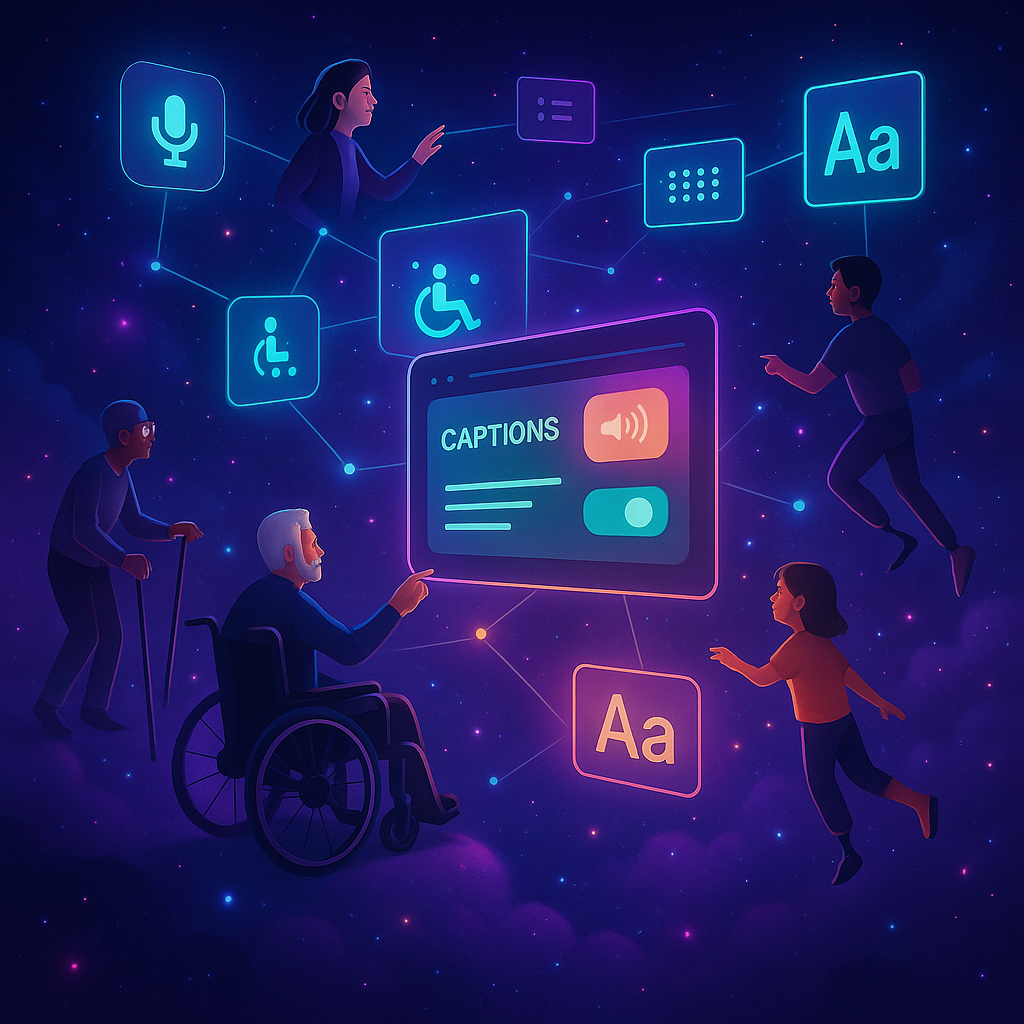
Web Accessibility 101: Building Inclusive Websites

Imagine walking into a store where the doors are too heavy to open, the aisles are too narrow, and the signs are too small to read. You’d probably feel frustrated, right? Now, picture that same experience happening online—this is what people with disabilities face every day on websites that aren’t accessible.
That’s where web accessibility comes in. It’s all about making sure that websites are usable by everyone, regardless of their abilities, disabilities, or the devices they use.
Why Accessibility Matters
- Inclusivity – The internet should be for everyone. Making your site accessible ensures that people with visual, hearing, motor, or cognitive challenges can engage with your content.
- Better User Experience – Accessible websites are easier to navigate, clearer to read, and friendlier to use—for all users, not just those with disabilities.
- SEO Benefits – Search engines love accessible websites. Proper structure, alt text, and clean code improve your rankings.
- Legal Compliance – Many countries require websites to meet accessibility standards. Ignoring it can lead to fines and lawsuits.
Simple Ways to Make Your Website More Accessible
You don’t need to be a coding genius to get started. Here are some easy tips:
- Use Alt Text for Images: Screen readers rely on these descriptions to tell users what’s in an image.
- Readable Fonts & Contrast: Choose clear fonts and ensure text stands out against the background.
- Keyboard-Friendly Navigation: Not everyone uses a mouse—your site should work smoothly with just a keyboard.
- Captions & Transcripts: Videos and audio content should always have captions or transcripts.
- Clear Headings & Structure: Organize content with proper headings (H1, H2, H3) for easier navigation.
Final Thoughts
Web accessibility isn’t just a “nice-to-have”—it’s essential. By making your website inclusive, you’re not only opening doors for people who need it most, but you’re also creating a smoother, friendlier experience for everyone.
This guide provides a decision framework, not a ranking, revenue or performance guarantee. Recommendations are reviewed against current business, audience, accessibility, search and technical context. Sources and standards are linked where they materially support a decision.